


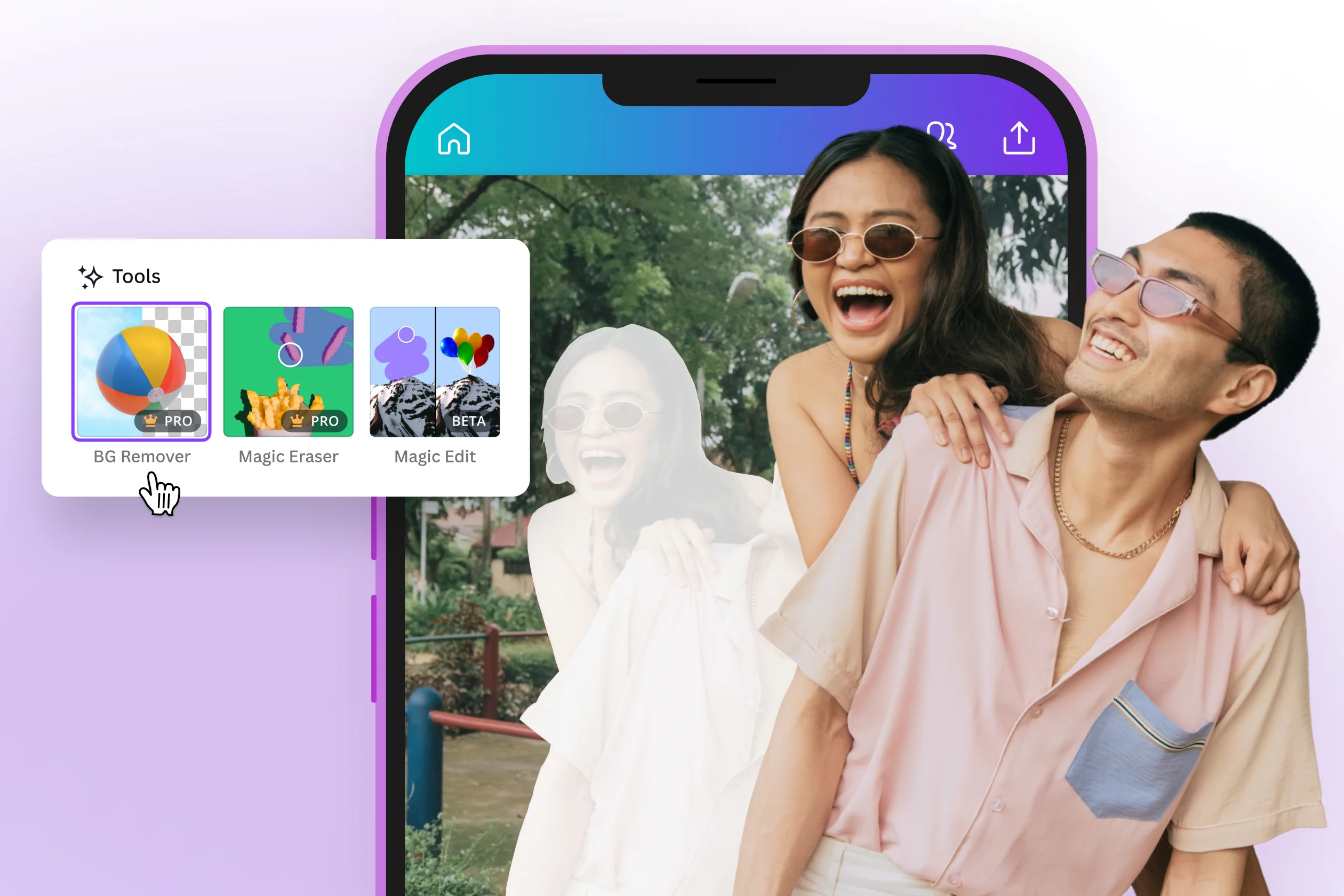
Creating scroll-stopping Instagram content used to require a graphic design degree, an expensive software subscription, and hours of trial and error. Today, a new generation of design services makes it possible to produce polished, branded, and even animated posts in a matter of minutes. Whether you are a small business owner, a content creator, or a social media manager juggling multiple accounts, the right platform can transform your Instagram presence without draining your budget or your schedule.
Why Your Instagram Post Creation Tool Actually Matters
Not all design platforms are created equal, and the difference between a mediocre tool and a great one shows up directly in your engagement metrics. A strong Instagram post creation service will do more than let you place text on an image. It will give you access to professionally designed templates, customizable brand elements, and features like one-click edits and animated effects that make your content feel current and compelling.
The platform you choose also affects how efficiently you can work. If you are producing content daily or managing posts for multiple clients, workflow features like batch editing, template libraries, and direct publishing integrations can save enormous amounts of time. The best tools combine creative power with an intuitive interface so that speed and quality do not have to be a trade-off.
Beyond aesthetics, your tool impacts brand consistency. When every post feels visually cohesive, your audience recognizes your content at a glance, which builds trust and familiarity over time. Choosing a service that supports brand kits, custom color palettes, and saved font pairings makes that consistency effortless across every piece of content you publish.
What to Look for in an Instagram Post Creation Service
Before diving into specific tips and strategies, it helps to understand the core features that distinguish a capable platform from a basic one. The following checklist covers what to prioritize when evaluating any service:
- Template variety: Look for platforms with thousands of templates specifically sized for Instagram, including square posts, portrait formats, and story dimensions.
- One-click customization: The ability to swap colors, fonts, and images with a single click dramatically reduces editing time.
- Animation and motion effects: Static images still work, but animated posts and reels are consistently outperforming them in reach and engagement.
- Brand kit support: A brand kit saves your logo, brand colors, and typography so that every post automatically reflects your identity.
- Direct download and sharing options: Seamless export to your device or direct scheduling integration prevents unnecessary friction in your workflow.
- Asset libraries: Access to stock photos, icons, and illustrations means you rarely have to look elsewhere for visual elements.
- Collaboration features: If you work with a team, the ability to share drafts and leave feedback inside the platform is a significant time-saver.
10 Tips for Getting the Most Out of Instagram Post Creation Services
1. Start With a Template That Matches Your Mood, Not Just Your Industry
It is tempting to search for templates by industry category, but a more effective approach is to start with the visual mood or emotion you want to evoke. A clean, minimal layout communicates something completely different from a bold, maximalist design, even if both are labeled as “lifestyle” templates. Browsing by aesthetic will help you find a template that resonates with your audience on an emotional level.
Most platforms organize their libraries by color palette, layout style, or visual tone in addition to industry. Take advantage of these filters. Once you find a template that matches your intended vibe, the rest of the customization process tends to fall into place much more naturally.
2. Use One-Click Color Palette Swaps to Maintain Brand Consistency
One of the most underused features on modern design platforms is the ability to swap an entire template’s color palette in one action. Rather than manually updating each element, a one-click palette swap applies your brand colors across the whole design instantly. This is especially useful when you are adapting a template that has great layout bones but a color scheme that does not match your brand.
Many platforms now offer AI-powered color suggestions that sample your uploaded logo or a reference image and automatically generate a coordinated palette. If your tool offers this feature, use it. It removes one of the most time-consuming parts of the customization process and produces more harmonious results than selecting colors manually.
3. Leverage Animated Effects Strategically, Not Decoratively
Animation for its own sake can actually hurt your content. Viewers quickly learn to tune out motion that does not serve a communicative purpose. The most effective use of animated effects in Instagram posts is to direct the eye, emphasize a key message, or create a sense of energy that matches your brand personality.
For example, a subtle fade-in on your headline draws attention to the most important part of your message without overwhelming the rest of the design. A looping background motion can add depth and polish to an otherwise static layout. When evaluating platforms, look for services that offer granular control over animation timing and style so you can fine-tune effects rather than applying presets that feel generic.
4. Try Adobe Express for a Powerful All-in-One Solution
If you are looking for a platform that combines professional-grade design tools with ease of use, the Instagram post maker from Adobe Express is worth exploring. Adobe Express offers an extensive library of templates built specifically for Instagram, along with one-click resize, brand kit integration, and animated effects that can bring any static design to life.
What sets Adobe Express apart is its connection to the broader Adobe ecosystem. Users can access Adobe Stock assets directly within the platform, and the tool supports smooth integration with Adobe Fonts, giving you access to a typographic library that most standalone design tools cannot match. The interface is designed to be approachable for non-designers while still offering enough depth for experienced creatives. For anyone managing a brand on Instagram, it delivers a meaningful combination of power and accessibility.
5. Build a Template Library Specific to Your Content Pillars
Most successful Instagram accounts are built around three to five recurring content categories, often called content pillars. These might include educational posts, product showcases, behind-the-scenes content, user-generated content reposts, and promotional announcements. Creating a dedicated template for each pillar and saving them inside your design platform ensures that every piece of content you produce is both fast to create and visually consistent.
When you build your template library this way, you also reduce decision fatigue. Rather than starting every post from scratch or browsing through thousands of templates, you are choosing from a curated set of formats that already align with your brand and content strategy. Over time, this approach also trains your audience to recognize your content types at a glance, which can improve engagement rates.
6. Use Text Animation to Make Captions Work Harder
The text on your Instagram post is not just a supporting element; it is often the thing that converts a scroll into a stop. Animated text effects, particularly ones that reveal words sequentially or apply a subtle entrance motion, have been shown to hold viewer attention longer than static text. Many design platforms now offer text animation presets that can be applied with a single click and adjusted for speed and style.
When using text animation, keep the copy itself short and punchy. The animation draws attention to the words, which means every word needs to earn its place. Aim for headlines that are ten words or fewer, and let the visual design and animation do the work of communicating quality and energy.
7. Resize Designs Across Formats Without Starting Over
One of the biggest time sinks in Instagram content creation is adapting a square post design for a story, a reel cover, or a carousel slide. Platforms that offer intelligent auto-resize features can translate a single design across multiple Instagram formats in seconds, repositioning elements and adjusting proportions automatically.
This feature is particularly valuable if you are repurposing content across Instagram, Facebook, LinkedIn, and other platforms simultaneously. Rather than creating four separate designs, you create one and let the tool handle the formatting. Not every platform resizes with equal intelligence, so test this feature before committing to a subscription. The best implementations preserve your design intent rather than just stretching or cropping elements mechanically.
8. Incorporate Stock Assets That Feel Authentic, Not Stocky
Generic stock photography has a reputation for making branded content feel inauthentic, but the best design platforms now offer curated libraries of lifestyle and editorial imagery that feel far more natural and relatable. When selecting photos from a built-in stock library, prioritize images that reflect the actual context in which your product or service exists. A coffee brand, for example, benefits more from an image of someone working at a cozy table than from a perfectly lit studio shot of a mug on a white background.
Many platforms also support direct upload of your own photography, which is always the most authentic option. Using your own images in combination with the platform’s layout templates and animated effects gives you the best of both worlds: original, on-brand photography presented in a polished, professional format.
9. Schedule Content in Batches Using Built-In or Integrated Tools
Creating a single great post is easy. Creating thirty great posts consistently over a month is where most content strategies fall apart. The most productive creators and marketers use their design platforms to batch-create content in sessions rather than producing posts one at a time as deadlines approach.
Many Instagram post creation services now integrate directly with scheduling tools, or offer their own built-in publishing features. If your platform of choice supports this, set aside one day per week or two days per month to design a full batch of posts. Use your saved templates, apply your brand kit, and export or schedule everything in one focused session. This approach reduces the cognitive overhead of content creation and ensures your feed stays active even during your busiest periods.
10. Test Different Animated Styles and Review Your Metrics
Animated effects are not universally effective across every audience or every type of post. What works brilliantly for a fashion brand might feel jarring for a financial services company. The only reliable way to know which animation styles resonate with your specific audience is to test them and review the data.
Most Instagram accounts have access to native analytics that track reach, impressions, saves, and shares. Run a simple test by publishing two versions of similar content, one with animated effects and one static, over the course of a few weeks. Review which format earns more saves and shares, since these signals indicate content that audiences find genuinely valuable rather than simply entertaining. Use those insights to inform how prominently you feature animation in your ongoing content strategy.
Frequently Asked Questions
What is the difference between a one-click edit and a template?
A template is a pre-built layout that you customize with your own content, colors, fonts, and images. A one-click edit is a specific action within a design platform that applies a significant change, such as a complete color scheme swap, a font pairing change, or a style filter, across an entire design in a single step. Templates and one-click edits work together: you start with a template that has strong structural bones, then use one-click edit features to instantly align it with your brand identity. The combination of the two is what makes modern design platforms so efficient compared to building every design from scratch. Think of templates as the architecture and one-click edits as the interior design decisions.
Are animated Instagram posts better for engagement than static posts?
In most cases, yes, but context matters. Animated posts, including those with motion graphics, text animations, and looping effects, tend to capture attention more effectively in a fast-scrolling feed because movement is a natural attention trigger for the human brain. Studies of Instagram’s algorithm have consistently found that content driving longer view times and higher save and share rates performs better in distribution. Animation can contribute to both of those metrics when it is used purposefully. However, an animated post with weak content will still underperform a static post with a compelling message. Animation amplifies good content; it cannot substitute for it.
How can I make sure my Instagram posts look consistent even when I use multiple templates?
Consistency comes from applying a clear brand system across every template you use, regardless of layout variety. This means defining a specific set of brand colors (typically two to four), one or two typefaces, and a consistent approach to imagery, such as always using warm-toned photography or always including your logo in the same position. Most design platforms support brand kits that store these elements and apply them automatically whenever you start a new design. If you build your template library around a shared brand kit, you can use dozens of different layouts while still maintaining a cohesive visual identity. For a deeper reference on building a reliable brand system for social media, resources like the Content Marketing Institute offer extensive guides on visual brand strategy.
Can I use these platforms if I have no graphic design experience?
Absolutely. The primary design goal of modern Instagram post creation services is to make professional-quality design accessible to people with no formal training. Most platforms use drag-and-drop interfaces, offer guided customization flows, and provide template libraries where the hard design decisions, such as layout hierarchy, color balance, and typographic pairing, have already been made by professional designers. Your job is simply to replace the placeholder content with your own text and images. Features like one-click edits, smart resize, and AI-powered suggestions reduce the remaining complexity even further. If you can type, click, and upload an image, you have every skill you need to produce polished Instagram content.
Is it worth paying for a premium subscription to an Instagram design tool?
For most creators and businesses actively publishing to Instagram, the answer is yes. Free tiers of most platforms are intentionally limited in ways that become frustrating quickly: restricted template libraries, watermarked exports, limited access to animation features, and no brand kit storage. A paid subscription typically unlocks the full template library, removes watermarks, enables brand kit functionality, provides access to animated effects, and often includes a stock asset library. For a business using Instagram as a marketing channel, the value of those features far exceeds the monthly cost of most subscriptions. The more consistently you publish, the more the time savings from premium features translate into real financial value. If you are still evaluating whether Instagram marketing is right for your business, the free tier is a perfectly reasonable starting point before committing to a paid plan.
Conclusion
The tools available for creating custom Instagram posts have never been more capable or more accessible. From one-click color palette swaps and animated text effects to smart resize features and integrated brand kits, today’s design platforms remove nearly every technical barrier that once kept high-quality content out of reach for small businesses and individual creators. The key is choosing a platform that matches your workflow, supports the visual identity you want to build, and gives you enough creative flexibility to produce content that stands out in a crowded feed.
By applying the tips in this article, from building a pillar-based template library and batching your content creation to testing animation styles against your actual engagement data, you can create a sustainable Instagram content strategy that consistently performs. The best Instagram presence is not the one built with the most expensive tools; it is the one built with the most intentional ones. Start with a platform that makes great design feel effortless, and let your creativity do the rest.
