


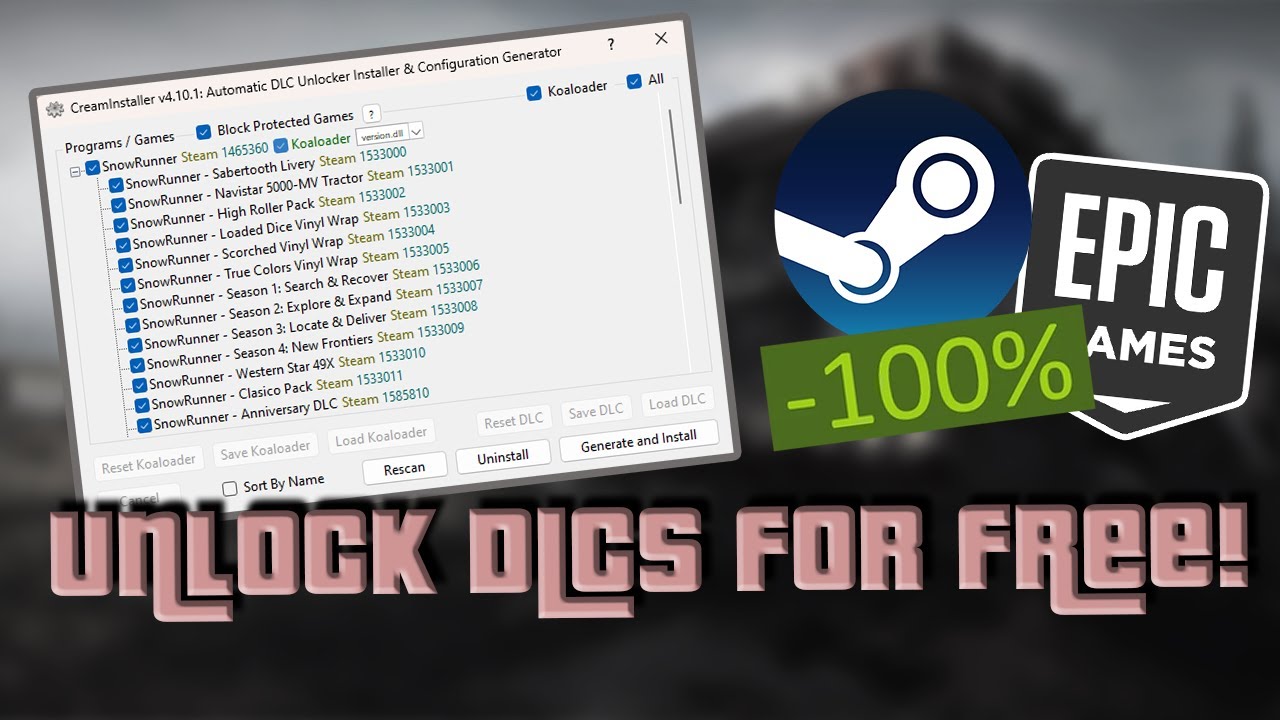
When people search for tools like CreamInstaller, one of the most common questions they ask is whether it needs a full installation process or if it works as a simple portable application. This confusion often comes from the fact that many unofficial or third-party utilities behave differently from standard software. Some require full system integration, while others can run directly without installation.
Understanding how such tools function is important not only for usability but also for security, system performance, and legal awareness. In this article, we will explore whether CreamInstaller needs installation, how similar tools generally work, and what users should keep in mind before attempting to use them.
What is CreamInstaller?
CreamInstaller is commonly described online as a utility related to managing or modifying game content, particularly in environments like PC gaming platforms. Tools of this nature are often discussed in gaming communities because they claim to simplify the process of adding or unlocking additional content.
However, it is important to understand that tools circulating under similar names are usually unofficial. They are not developed or supported by major software companies or gaming platforms. Because of this, their behavior, safety level, and functionality can vary significantly depending on the source from which they are downloaded.
Does CreamInstaller Require Installation?
The short answer is that it depends on the version you encounter. Many versions of tools like CreamInstaller are designed to be portable applications. This means they do not require a traditional installation process like standard software. Instead, they can often be extracted from a compressed file and run directly from a folder.
In such cases, no system-level installation takes place. The program does not necessarily create deep registry entries or integrate itself permanently into the operating system. This is why users sometimes believe it does not need installation at all.
On the other hand, some modified or repackaged versions may include setup files that behave like traditional installers. These versions may attempt to place files into system directories or require administrative permissions to function properly. This difference usually depends on who packaged the software and how it was distributed.
Portable Software Behavior
To better understand CreamInstaller’s behavior, it helps to know how portable applications generally work. Portable software is designed to run independently without modifying core system files. Users can often move the program folder between devices or storage drives and still use it without reinstalling.
If CreamInstaller is distributed as a portable tool, it will typically launch directly after extraction. This makes it appear as if no installation is required. However, this does not mean it is risk-free or fully self-contained, as it may still rely on system libraries or external dependencies.
System Interaction and Requirements
Even if a tool does not require installation, it may still interact with your operating system in various ways. It might read game directories, modify configuration files, or access user-level folders. Because of this, it can still behave like installed software from a permissions and security perspective.
Users may also notice that some versions require administrative rights to run properly. This is usually necessary when a program needs access to restricted folders or system-level resources. In such cases, even portable tools can temporarily behave like installed applications.
Safety and Security Concerns
One of the most important aspects to consider with unofficial tools like CreamInstaller is security. Since these applications are not distributed through verified platforms, there is always a risk of malware, spyware, or unwanted background processes being included in modified versions.
Running unknown executables without installation does not make them safer. In fact, portable tools can sometimes be more dangerous because they bypass standard installation checks that operating systems use to warn users about suspicious behavior.
It is always recommended to scan any downloaded file with trusted antivirus software before running it. Additionally, downloading tools from unknown websites increases the risk of system compromise.
Legal and Ethical Considerations
Another important factor is legality. Tools that interact with licensed software, especially in gaming environments, may fall into a gray or unauthorized category depending on how they are used. Users should be aware that modifying or bypassing software protections can violate terms of service agreements.
Even if a tool does not require installation, its legal implications remain the same. The method of running the software does not change whether its usage is permitted or not. Understanding this distinction is important for anyone exploring third-party utilities.
Why Installation Confusion Exists
The confusion around installation usually comes from the way these tools are distributed. Some users download a compressed file and extract it, then immediately run the program. Since there is no setup wizard or installation progress bar, they assume installation is not required.
In reality, extraction itself is often mistaken for installation. Technically, the files are still being placed on the system, just not through a formal installer. This is why different users may describe the process differently depending on their experience.
Performance and Compatibility
Even without installation, tools like CreamInstaller may still affect system performance. Background operations, file modifications, or memory usage can impact gaming or general PC performance. Compatibility issues can also arise depending on the operating system version and security settings.
Because these tools are unofficial, they are not always optimized for all environments. Users may encounter crashes, missing dependencies, or errors that require manual fixes.
Conclusion
CreamInstaller does not always require traditional installation, as many versions are distributed as portable applications that run directly after extraction. However, this does not mean it operates independently of your system or that it is free from risks.
Whether installed or portable, the tool still interacts with your computer and may carry security, stability, or legal concerns depending on its source and usage. Understanding these factors is essential before deciding to run any unofficial software.
In simple terms, lack of installation does not equal simplicity or safety. Users should always be cautious, informed, and aware of what they are executing on their system.
