


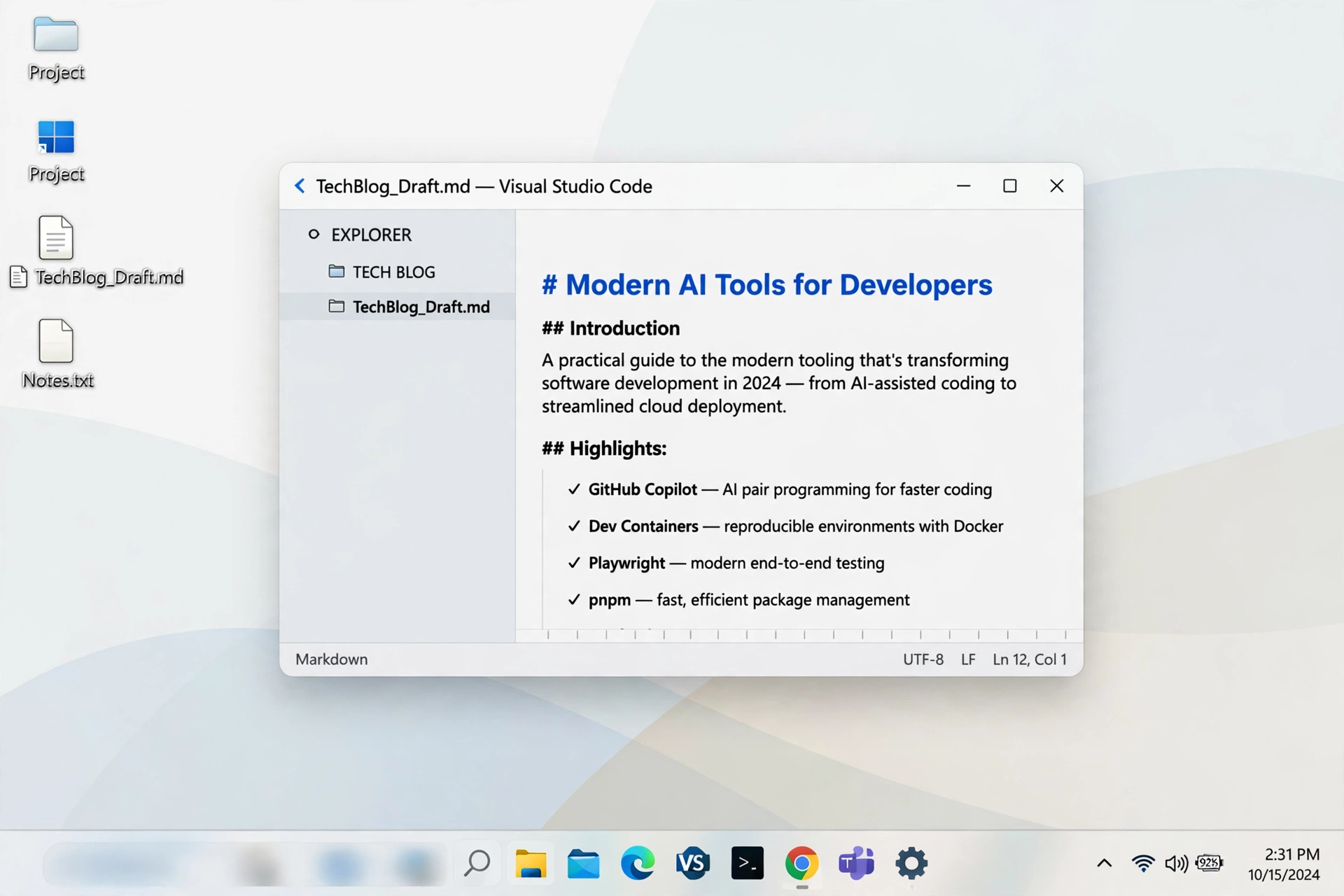
Some utilities try to reinvent Windows. The most useful ones do one small job exceptionally well. The taskbar is something you look at hundreds of times a day, yet Microsoft gives you surprisingly little control over its position, appearance, and behavior. That gap is exactly where a tiny, focused customization tool earns its place, promising centered icons, transparency effects, and smoother animation without a heavy theme engine running in the background.
What This Tool Actually Does
At its core, the program centers your taskbar icons and lets you style the bar itself. Instead of the traditional left-aligned row on Windows 10, or the fixed center alignment on Windows 11, you get manual control over exactly where the icon group sits. You can shift it by small increments until it looks balanced for your screen size and resolution, which is especially helpful on ultrawide and multi-monitor setups where the default position rarely looks quite right to a careful eye.
Beyond positioning, you can change the taskbar style to transparent, blurred, or acrylic, adjust opacity, and add animation when icons appear. It works with the existing Windows taskbar rather than replacing it, so your Start menu, system tray, clock, and notifications continue to behave normally. That restraint matters. You are enhancing a familiar part of Windows, not learning a new shell, and if you close the tool, your taskbar simply returns to its standard appearance with no drama.
Setup and First Impressions
Getting started takes only a few minutes. There is no bloated installer packed with extras, and the settings window is refreshingly direct: position controls, style choices, animation options, and toggles for things like startup behavior. On a typical Windows 10 machine, centering the icons and applying a gentle blur took less time than making a cup of tea. The change is immediate, so you can preview different offsets and styles live and settle on what looks best with your wallpaper.
For anyone comparing options, Taskbarx stands out because it is free and open-source, lightweight, and focused entirely on the taskbar. In daily use it stays out of the way, using minimal system resources, which will matter to laptop users and anyone on older hardware. There were no prompts to upgrade, no ads, and no attempt to change unrelated parts of the system. That simplicity builds trust quickly, particularly for a utility you intend to leave running quietly in the background all day.
Customization in Daily Use
Living with a centered taskbar is a subtle but pleasant change. On a 27-inch monitor, having essential apps in the middle reduced the constant left-corner scanning that the classic layout demands. The acrylic style looked particularly good with a dark wallpaper, giving the bar a frosted, premium finish while keeping icons perfectly readable. Transparency at full strength was fun to test but slightly distracting with busy wallpapers, so the blur setting proved the most practical middle ground for everyday work.
Animation is another feature that benefits from restraint. A short, smooth transition when a new icon appears feels polished. Anything longer quickly becomes irritating when you are opening and closing windows rapidly. The good news is that you can tune or disable it entirely without losing the centering and styling benefits. Secondary monitor handling is also worth noting: users with two displays can apply the look more consistently than Windows manages on its own, although, as with any taskbar tool, it is wise to test your exact monitor arrangement carefully.
Strengths, Limits and Who It Suits
The strengths are clear: it is free, small, focused, and genuinely improves how Windows looks and feels in minutes. It suits Windows 10 users who want the Windows 11 centered look without upgrading, Windows 11 users who want finer control than Settings provides, and anyone who cares about a clean desktop aesthetic but dislikes heavy theming software. Because it does not replace the shell, it is also a low-risk recommendation for work laptops where stability matters more than radical redesign.
There are limits to keep in mind. This is a specialist tool, not a full desktop suite, so it will not redesign your Start menu or window borders. Major Windows updates can occasionally reset taskbar behavior, meaning you may need to reapply settings or update the tool itself. And if you prefer everything exactly as Microsoft shipped it, any customization will feel unnecessary. Those caveats are minor, though. Judged on what it promises, a better-positioned, better-looking taskbar with almost no effort, it delivers reliably and earns an easy recommendation for most Windows users.
Verdict
If your taskbar feels stuck in the past, this is one of the quickest upgrades you can make. It takes a part of Windows you see constantly and makes it cleaner, more balanced, and more personal, without cost or complexity. Download it, spend five minutes centering and styling, and then forget it is there. That invisibility is its best quality: your desktop simply looks right, every single day, and you stop noticing the tool and start enjoying the result instead.
